WireGuard MTU Can Be Too Large in Docker Desktop: Measurements and Fix
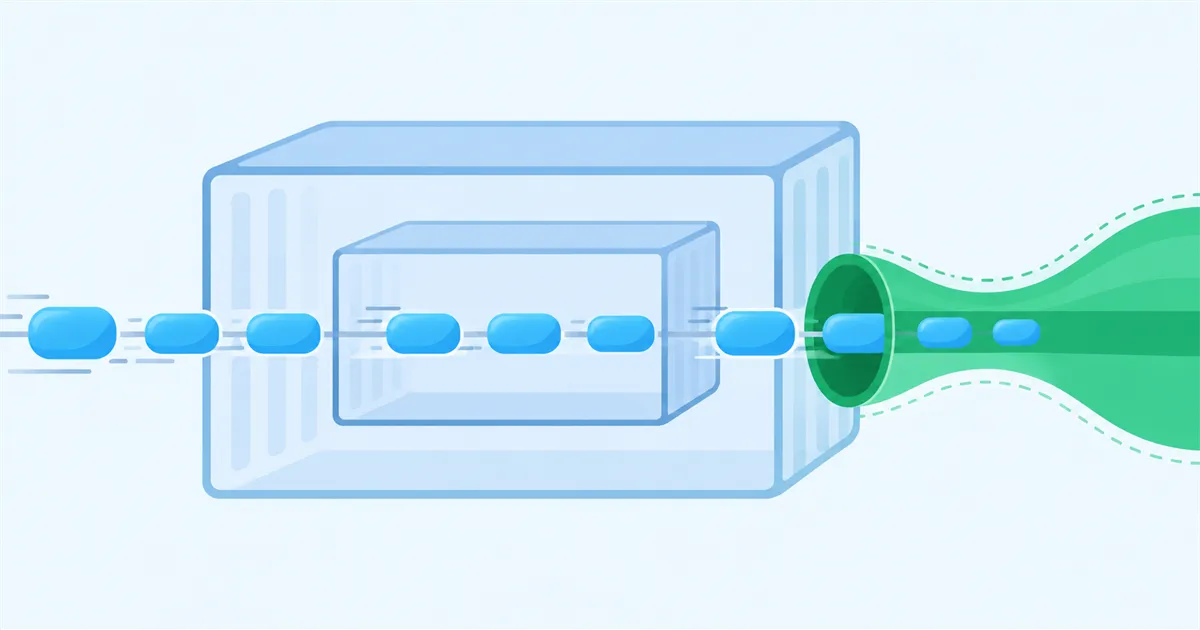
WireGuard started with wg-quick inside Docker Desktop can select an MTU that is much larger than the actual network path. Check the MTU values of eth0 and wg0 inside the container, then set MTU = 1420 explicitly in the WireGuard [Interface] section.
What we measured
On September 27, 2026, the eth0 interface inside a Docker Desktop container on Mac had an MTU of 65535.
When the WireGuard configuration did not specify an MTU and the interface was started with wg-quick, the MTU of wg0 became 65455. This happened because wg-quick selected the MTU of the route to the Endpoint—in this case, 65535 on eth0—and subtracted 80.
The same configuration produced an MTU of 1420 on wg0 when run directly on Linux and when run in Docker Desktop for Windows.
| Environment | eth0 MTU |
wg0 MTU |
|---|---|---|
| Docker Desktop for Mac | 65535 | 65455 |
| Docker Desktop for Windows | 1500 | 1420 |
| Directly on Linux | Not recorded | 1420 |
Mac after setting MTU = 1420 |
65535 | 1420 |
Why the MTU becomes too large
The MTU is the maximum packet size that an interface can send at one time.
In Docker Desktop for Mac, the container’s eth0 interface had an MTU of 65535. When the WireGuard configuration omitted the MTU and the interface was started with wg-quick, the route to the Endpoint became the basis for the automatic value. The measured MTU on wg0 was 65455.
The actual path across the internet commonly has an MTU around 1500. If the MTU of wg0 is larger than the real path allows, large packets may be fragmented or may fail to arrive.
MTU = 1420 made the wg0 MTU 1420.How to check the values
Read the following files inside the container:
cat /sys/class/net/eth0/mtu
cat /sys/class/net/wg0/mtu
The first command shows the MTU of the container’s network interface, eth0. The second shows the MTU of the WireGuard interface, wg0.
If the WireGuard configuration omits the MTU in Docker Desktop for Mac, check whether the values match the measured 65535 and 65455. Values may differ by environment, so record the current values before changing the configuration.
How to set the MTU explicitly
Add the following line to the [Interface] section of the WireGuard configuration:
[Interface]
MTU = 1420
Other configuration lines, including keys and addresses, are omitted here.
After restarting with the explicit MTU, check wg0 again:
cat /sys/class/net/wg0/mtu
On Docker Desktop for Mac, the MTU of wg0 became 1420 after the value was specified.
For a path with an MTU of 1500, wg-quick selects 1420. Some connections, including PPPoE, may require a smaller value.
Test environment
The measurements were taken on September 27, 2026.
- macOS: Latest version as of September 2026
- Docker Desktop for Mac: Latest version as of September 2026
- Windows: Latest version as of September 2026
- Docker Desktop for Windows: Latest version as of September 2026
These measurements were collected while checking whether a HomeGrid VPN Grid—a device installed at home that can act as an internet exit—could run in Docker Desktop.